Abstract
Continuing in our series on Drop Box Tricks we will look at tunneling OpenVPN over TLS/SSL with stunnel. Again it is nearly impossible for security orginizagions to impede valid ssl traffic to web ports on cloud VPS providers.
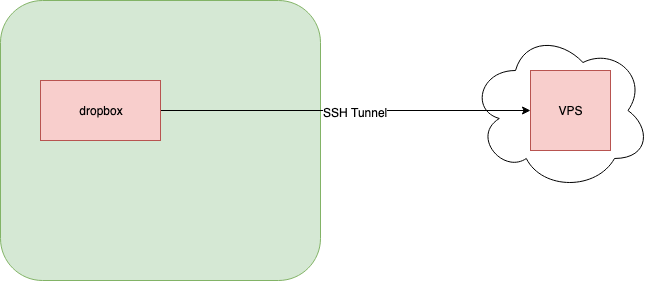
Basic Diagram
Systems:
- WhiteRabbit (DropBox)
- CheshireCat (VPS)
High Level Tasks:
- Install and configure stunnel on both hosts
- Configure CheshireCat
- Configure WhiteRabbit
- Install and configure OpenVPN
- Test OpenVPN
- Route OpenVPN over stunnel
- Test OpenVPN over stunnel
- Bind OpenVPN to localhost for stunnel only
- End to End test
Install and configure stunnel on both hosts
In this section we will review the initial installation and configuration of stunnel on both hosts.
Configure CheshireCat
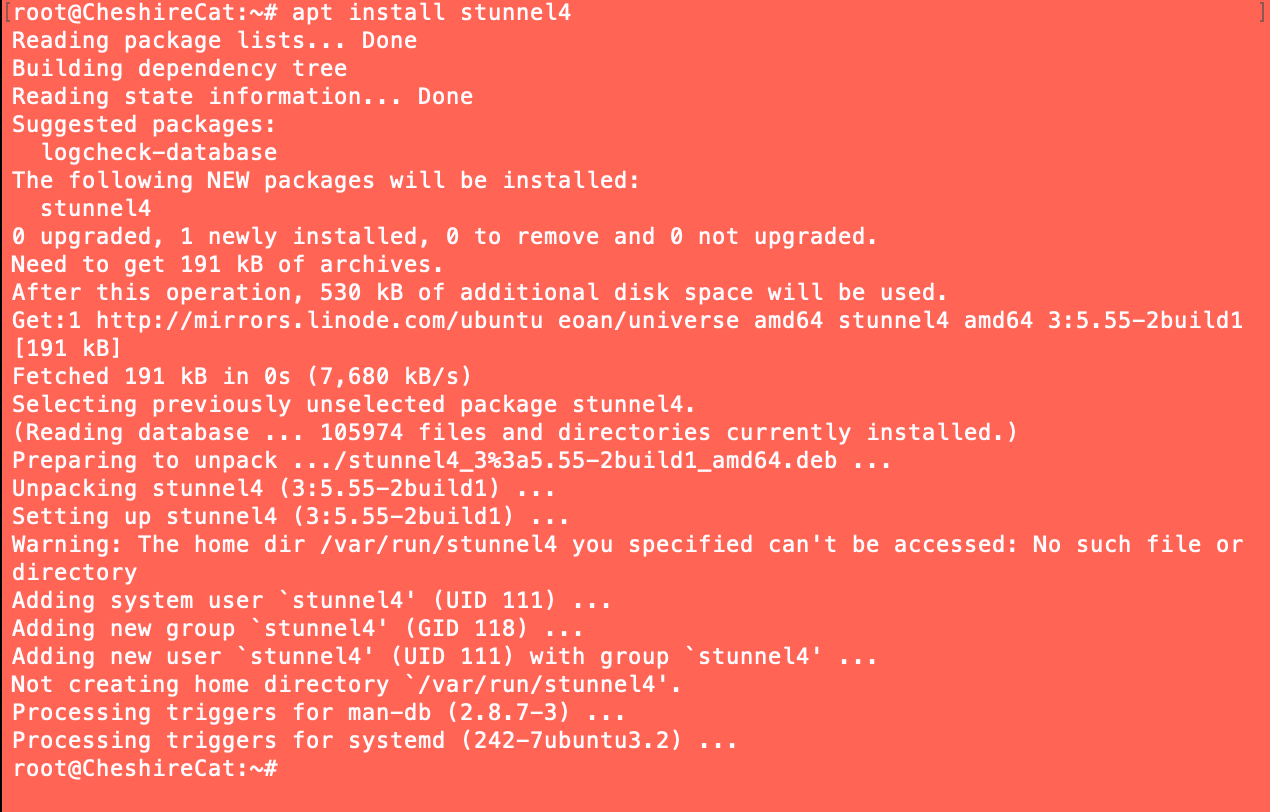
We will start by installing stunnel on our VPS.
apt install stunnel4
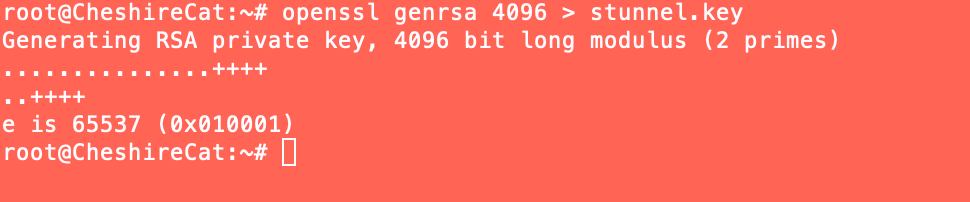
Now we create a private key.
openssl genrsa 4096 > stunnel.key
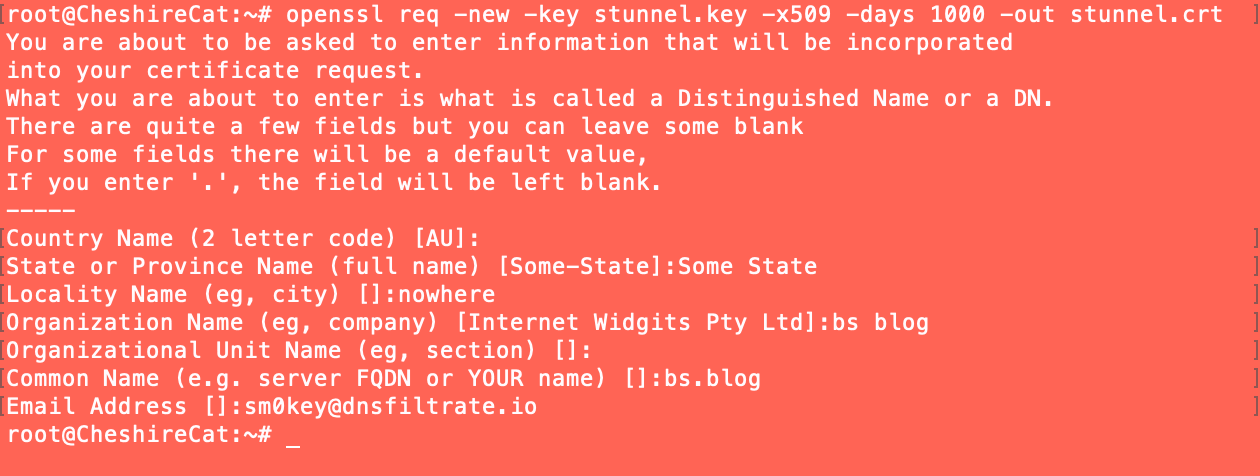
Make a self signed cert.
openssl req -new -key stunnel.key -x509 -days 1000 -out stunnel.crt
Make the .pem.
cat stunnel.crt stunnel.key > stunnel.pem
Put the pem in stunnel's configuration directory.
mv stunnel.pem /etc/stunnel/
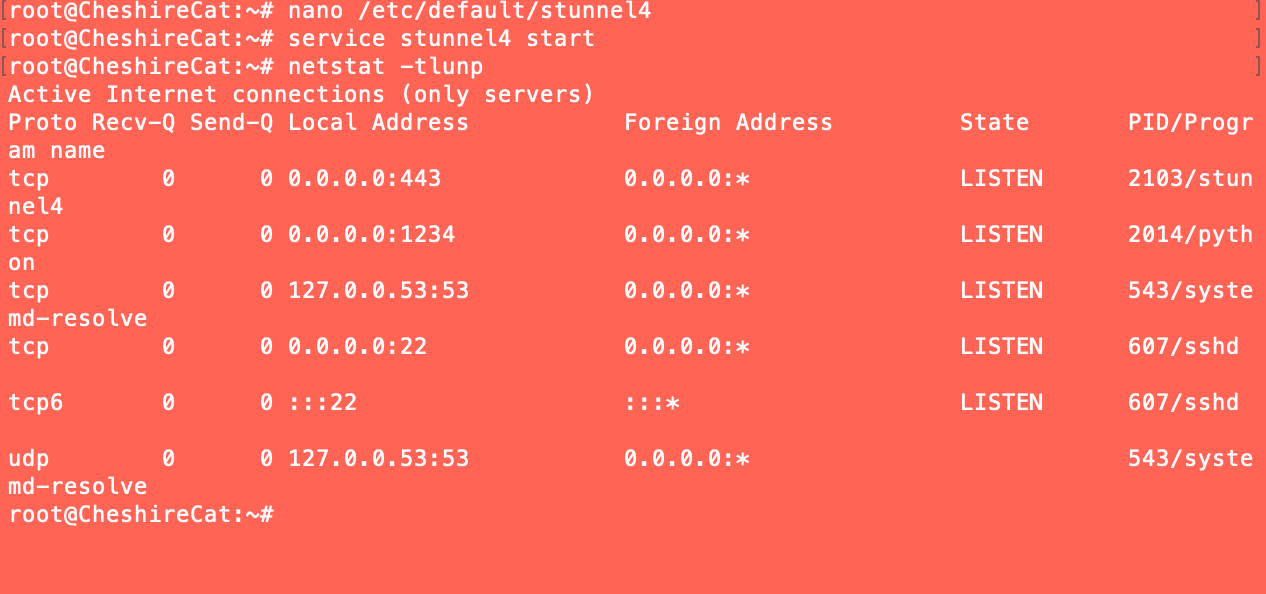
Now we need to configure stunnel to do its thing. First we will start a service for it to tunnel.
python -m SimpleHTTPServer 1234

Now we create the /etc/stunnel/stunnel.conf and set up an initial configuration.
nano /etc/stunnel/stunnel.conf

Append ENABLED=1 to /etc/default/stunnel4 and restart the service.
Configure WhiteRabbit
Now we move on to our drop box WhiteRabbit.
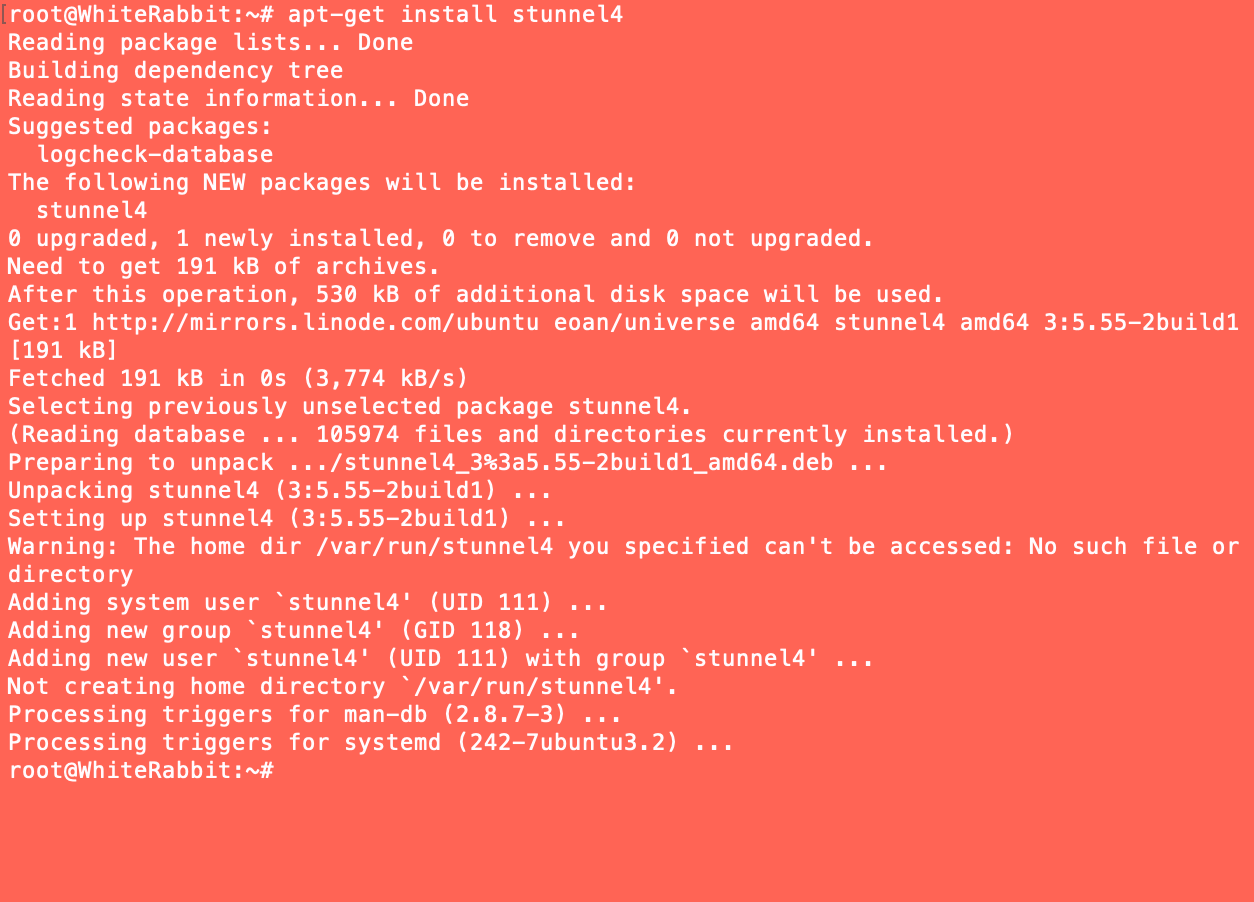
First we need to install stunnel.
root@WhiteRabbit:~# apt-get install stunnel4
Copy paste the .pem to /etc/stunnel/stunnel.pem
nano /etc/stunnel/stunnel.pem
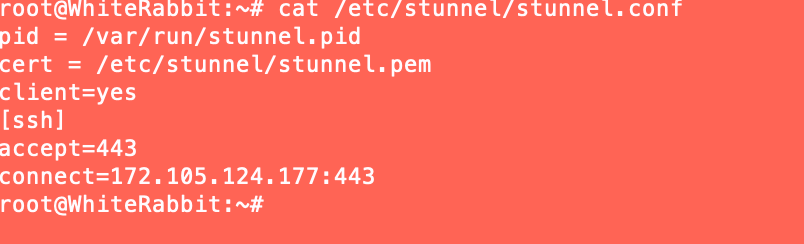
Configure /etc/stunnel/stunnel.conf to be a client.
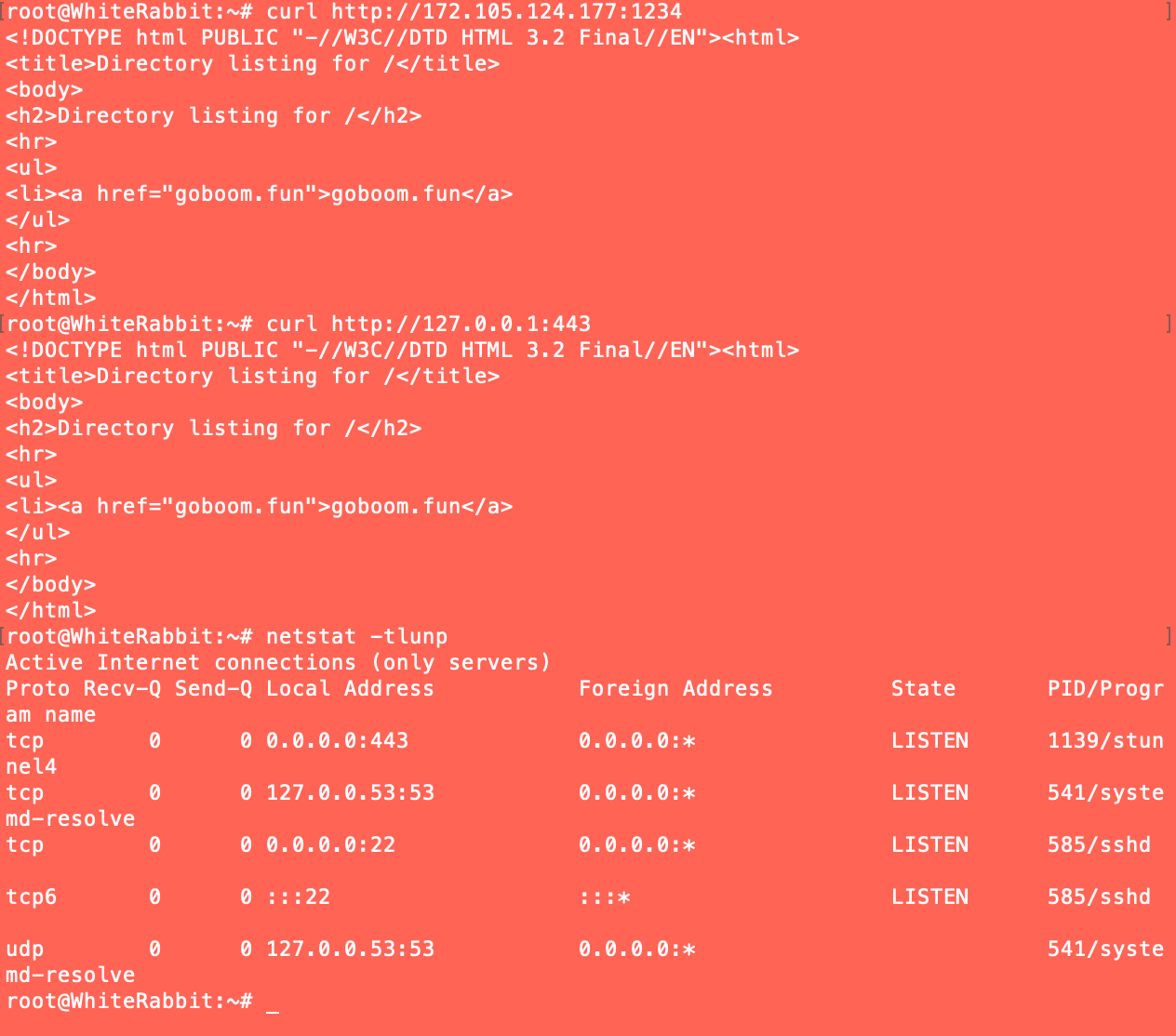
Then start the service, and function test everything.